Case Study: How a Sock Shop Turned SKUs Into Pinterest Search Assets
A practical breakdown of how a small sock shop rebuilt its Pinterest workflow around search intent, collection pages, pin angles, and ecommerce analytics.

The short version
A small ecommerce sock shop came to Pinterest with a familiar problem: plenty of products, but no repeatable discovery system.
They had colorful SKUs, seasonal demand, giftable price points, and strong product photography. What they did not have was a Pinterest content system. Their pins were mostly product shots with cute captions. Boards were vague. Links went to individual product pages. There were no Pinterest UTMs, no weekly scorecard, and no clear way to know which pin angles were working.
This case study breaks down the rebuild: how we turned a catalog of socks into search-led Pinterest assets, what changed in the workflow, and what other ecommerce operators can copy today.
This is based on an anonymized small DTC sock brand. The numbers are rounded, but the workflow is the important part.
Starting point: a good product catalog trapped in weak discovery
The shop sold around 90 sock designs across a few categories:
- Funny quote socks
- Dog and cat socks
- Wedding party socks
- Teacher and nurse gift socks
- Seasonal socks for holidays
- A few premium materials and bundle options
Most sales came from email, Instagram, and occasional marketplace traffic. Pinterest existed, but it was treated like a visual dumping ground.
The old workflow looked like this:
- Upload a new product to Shopify.
- Post the main product image to Pinterest.
- Use the product name as the pin title.
- Link directly to the SKU.
- Repeat when there was time.
That produced pins such as:
- “Pawfect Pals Socks”
- “Blue Crew Socks”
- “Bride Tribe Socks”
Those names were cute for customers already browsing the site. They were weak for Pinterest SEO because they did not match how people search.
A person on Pinterest is more likely to search:
- “dog mom gifts”
- “funny socks for men”
- “teacher appreciation gift ideas”
- “bridesmaid proposal gifts”
- “stocking stuffers under 20”
The catalog had products for those searches. The Pinterest account simply was not telling Pinterest that.
The diagnosis: the shop was pinning products, not buying moments
The first change was strategic, not creative.
Instead of asking, “What product should we pin today?” we asked, “What buying moment does this product belong to?”
Socks are rarely just socks on Pinterest. They are attached to occasions, identities, hobbies, outfits, and gift problems.
A single pair of dog socks could fit several search paths:
- Dog mom gifts
- Gifts for dog lovers
- Cute stocking stuffers
- Cozy winter outfit ideas
- Gifts under $25
- Pet memorial gift ideas, depending on the design
A single wedding sock design could fit:
- Groomsmen gifts
- Father of the bride gift
- Bridesmaid proposal box ideas
- Wedding morning outfit details
- Personalized wedding accessories
This matters because Pinterest is not only a social platform. It is a visual search and planning engine. Users often search before they know which brand they want.
The shop’s old pins only competed for branded or product-name attention. The new system competed for intent.
Before and after workflow
| Area | Before | After |
|---|---|---|
| Pin titles | Product names | Search-led Pinterest pin titles tied to use cases |
| Descriptions | Short captions | Pinterest descriptions with buyer intent, material details, and occasions |
| Boards | “Shop Our Socks,” “New Arrivals” | Keyword-focused boards like “Funny Socks for Men” and “Teacher Gift Ideas” |
| Links | Mostly individual SKUs | Mix of SKU pages, collection pages, and gift guides |
| Creative | One product image | Multiple angles: gift, outfit, lifestyle, close-up, bundle |
| Measurement | Pinterest native metrics only | Pinterest UTMs, outbound clicks, add-to-cart tracking, and a weekly scorecard |
| Cadence | Random posting | Batched scheduling workflow by keyword cluster |
The biggest shift was not posting more. It was making every pin more legible to Pinterest and more useful to the shopper.
Step 1: build a demand map from the catalog
We started with a spreadsheet. Nothing fancy.
Each SKU received columns for:
- Product name
- Main design theme
- Buyer type
- Gift recipient
- Occasion
- Seasonality
- Price point
- Material or comfort feature
- Best destination URL
- Primary Pinterest keyword cluster
- Secondary keyword cluster
Here is what that looked like for a few products:
| SKU type | Primary cluster | Secondary clusters |
|---|---|---|
| Dog print socks | Dog mom gifts | Gifts for dog lovers, cute stocking stuffers |
| “If you can read this” socks | Funny socks for men | Dad gifts, white elephant gift ideas |
| Floral bridal socks | Bridesmaid gifts | Wedding morning details, proposal box ideas |
| Apple pattern socks | Teacher gifts | Teacher appreciation gifts, back to school gifts |
| Cozy wool socks | Winter outfit ideas | Cozy gifts, cabin weekend outfits |
This became the operating layer for Pinterest content planning.
The goal was to stop treating the catalog as 90 products and start treating it as 200 to 300 search-relevant pin angles.
That does not mean creating low-quality duplicates. It means recognizing that one product can solve different problems for different searchers.
Step 2: create collection pages for Pinterest traffic
One of the easiest ecommerce mistakes on Pinterest is sending every pin to a product page.
Product pages can convert, but they are not always the best landing page for early-stage discovery. A person searching “teacher appreciation gift ideas” may not be ready to buy one exact pair of socks. They may want options.
So the shop created or improved several collection pages:
- Funny Socks for Men
- Dog Lover Gifts
- Teacher Gift Socks
- Wedding Party Socks
- Stocking Stuffers Under $25
- Cozy Winter Socks
Each collection page included:
- A short SEO-friendly intro
- 8 to 24 relevant products
- Clear filters or grouping
- A few gift-oriented copy blocks
- Internal links to related collections
- Product photos that worked well on mobile
This gave Pinterest users a softer landing.
Instead of forcing a decision on one SKU, the page said, “You are in the right place. Browse the relevant set.”
For Pinterest ecommerce analytics, this also made performance easier to read. If “teacher gift ideas” pins drove more collection-page engagement than direct product pins, we knew that intent wanted browsing before purchase.
Step 3: write pin titles around the searcher, not the SKU
The shop’s old pin titles were short and brand-coded. The new titles were written like search entry points.
A few examples:
| Product | Weak title | Better Pinterest pin title |
|---|---|---|
| Dog print socks | “Pawfect Pals Socks” | “Cute Dog Mom Socks for Pet Lover Gift Boxes” |
| Groom socks | “Best Man Crew Socks” | “Funny Groomsmen Socks for Wedding Party Gifts” |
| Teacher socks | “Apple Socks” | “Teacher Appreciation Socks for End-of-Year Gifts” |
| Wool socks | “Heather Wool Crew” | “Cozy Wool Socks for Winter Outfits and Cabin Weekends” |
| Funny quote socks | “Do Not Disturb Socks” | “Funny Socks for Men Who Love Weekend Lounging” |
Notice the pattern.
The stronger titles do not stuff keywords. They combine:
- Product identity
- Recipient or use case
- Occasion or context
A practical formula:
Product type + buyer intent + occasion or recipient
Examples:
- “Personalized Socks for Bridesmaid Proposal Boxes”
- “Funny Nurse Socks for Graduation Gift Ideas”
- “Cozy Christmas Socks for Stocking Stuffers”
- “Dog Lover Socks for Cute Gift Baskets”
This is one of the simplest Pinterest SEO improvements an ecommerce shop can make.
Step 4: give every pin a distinct angle
The shop originally made one pin per product. We changed that to three to five pin angles per priority SKU or collection.
The key was not to make the same pin repeatedly with a different background. Each pin needed a different reason to exist.
For a dog sock design, the pin angles became:
- Gift angle: “Dog Mom Gift Idea Under $25”
- Recipient angle: “Cute Socks for Women Who Love Dogs”
- Seasonal angle: “Stocking Stuffer Ideas for Dog Lovers”
- Bundle angle: “Pet Lover Gift Basket Idea”
- Lifestyle angle: “Cozy Weekend Socks for Dog Moms”
For a wedding sock design:
- Groomsmen gift angle
- Wedding morning photo angle
- Proposal box angle
- Father of the bride gift angle
- Personalized accessory angle
This gave the account more surface area in search without relying on spammy repetition.
A lightweight planner helps here because the workflow can get messy quickly. We used a spreadsheet for the first pass; for operators who want a cleaner batching flow, PinPinMe can help organize pin ideas, keyword clusters, and scheduling around product pages.
Step 5: rebuild boards as keyword containers
Pinterest boards are not just filing cabinets. They help Pinterest understand topic context.
The shop removed or stopped using vague boards such as:
- New Arrivals
- Our Favorites
- Cute Things
- Gift Ideas
Those boards were replaced with more specific boards:
- Funny Socks for Men
- Dog Mom Gifts
- Teacher Appreciation Gift Ideas
- Bridesmaid and Groomsmen Gifts
- Stocking Stuffers Under $25
- Cozy Winter Outfit Ideas
- Gifts for Nurses
- Cat Lover Gift Ideas
Each board received:
- A clear board title
- A description using natural Pinterest keyword clusters
- 20 to 40 relevant existing pins where possible
- A mix of product, collection, and lifestyle content
Example board description:
“Funny socks for men, dad gift ideas, white elephant gifts, and comfortable crew socks for birthdays, holidays, and weekend lounging.”
That description is readable. It also gives Pinterest multiple contextual signals.
Step 6: turn product photos into Pinterest-native creative
The shop had good product photos, but many were square, plain, and designed for product grids.
Pinterest needed vertical storytelling.
The new creative system used five formats:
1. Simple product-on-color pins
A clean vertical image with the sock design, short overlay text, and a clear benefit.
Example overlay:
“Dog Mom Gift Under $25”
Best for: clear search intent and gift pages.
2. Gift bundle pins
The socks were shown with a mug, candle, card, or small box.
Example overlay:
“Easy Teacher Gift Basket Idea”
Best for: gift searches, seasonal traffic, and saves.
3. Outfit context pins
The socks appeared with jeans, boots, pajamas, or winter layers.
Example overlay:
“Cozy Cabin Weekend Socks”
Best for: outfit planning and seasonal boards.
4. Close-up texture pins
These highlighted fabric, thickness, embroidery, or print detail.
Example overlay:
“Soft Crew Socks for Everyday Wear”
Best for: comfort-led products.
5. Collection collage pins
Three to six designs appeared together around one theme.
Example overlay:
“Gifts for Dog Lovers”
Best for: collection pages and browsing intent.
The creative did not need to be overdesigned. In fact, the best-performing pins were usually clear, vertical, readable on mobile, and specific.
Step 7: write descriptions that help both the shopper and the algorithm
The shop’s old Pinterest descriptions were usually one sentence:
“Cute socks for any occasion.”
The new descriptions were more specific without becoming robotic.
Example:
“These dog mom socks are a simple gift idea for pet lovers, stocking stuffers, birthdays, or cozy weekend outfits. Pair them with a mug, card, or treat jar for an easy dog lover gift basket.”
That description includes:
- The product
- The recipient
- The use cases
- Related gift contexts
- Natural secondary keywords
Another example:
“Looking for teacher appreciation gifts that are practical and fun? These apple print socks work for end-of-year gifts, back-to-school baskets, or small thank-you presents for your favorite teacher.”
Good Pinterest descriptions do not need to be long. They need to create context.
Step 8: use UTMs so Pinterest traffic is not invisible
Before the rebuild, the shop looked mostly at Pinterest impressions and saves. Those are useful, but they do not tell the whole ecommerce story.
We added Pinterest UTMs to priority URLs so analytics could show:
- Which pin angle drove the click
- Which keyword cluster drove the session
- Whether collection pages outperformed product pages
- Which traffic assisted add-to-cart events
- Which seasonal pins deserved a refresh
A simple UTM structure looked like this:
utm_source=pinterest
utm_medium=organic
utm_campaign=teacher_gifts
utm_content=apple_socks_gift_basket_pin
For an ecommerce operator, this is often the difference between “Pinterest feels random” and “Pinterest is telling us what buyers want.”
The 90-day publishing plan
The shop did not publish hundreds of pins immediately. The first 90 days were controlled.
Month 1: foundation and priority clusters
Focus:
- Rebuild boards
- Create collection pages
- Map the catalog to Pinterest keyword clusters
- Publish pins for the top 20 products and 5 collections
Publishing rhythm:
- 3 to 5 fresh pins per day
- Mostly evergreen gift and recipient angles
- A few seasonal tests
Month 2: expand winning angles
Focus:
- Review saves and outbound clicks
- Expand clusters with early traction
- Create more collection collage pins
- Test product page vs collection page destinations
Publishing rhythm:
- 4 to 6 fresh pins per day
- More variations for dog lover, teacher gift, and funny socks clusters
Month 3: seasonal and conversion refinement
Focus:
- Prepare holiday and back-to-school pins early
- Refresh titles on weak but promising pins
- Improve product pages receiving Pinterest traffic
- Build more bundle and gift guide content
Publishing rhythm:
- 5 to 7 fresh pins per day
- More pins to seasonal collections
- Continued evergreen publishing
The cadence was sustainable because the team batched work by cluster, not by random product.
Results we watched, not just results we wanted
Pinterest can be slow. The wrong lesson after two weeks is often worse than no lesson at all.
We used a weekly Pinterest scorecard, but interpreted trends over longer windows.
Metrics included:
- Impressions by board and cluster
- Saves by pin angle
- Outbound clicks by destination type
- Collection page sessions
- Product page sessions
- Add-to-cart rate from Pinterest traffic
- Revenue and assisted revenue where trackable
- Top pins by 7-day, 30-day, and 90-day windows
The most useful insight was not “which pin got the most impressions.” It was which combination of keyword cluster, creative angle, and destination URL produced qualified traffic.
For this shop, the early pattern looked like this:
| Cluster | Strongest metric | Lesson |
|---|---|---|
| Dog lover gifts | Saves and outbound clicks | Gift bundle pins worked better than plain product pins |
| Teacher gifts | Outbound clicks | Collection pages beat single SKU pages |
| Funny socks for men | Impressions | Needed sharper creative to improve clicks |
| Wedding party socks | Saves | Users planned early; conversion lagged but assisted sales later |
| Cozy winter socks | Seasonal lift | Needed publishing 8 to 12 weeks before peak demand |
The account did not become an overnight sales machine. It became more diagnosable. That is what made growth possible.
What changed after the rebuild
After roughly 90 days, the shop saw three meaningful changes.
1. Pinterest traffic became less dependent on new product launches
Previously, Pinterest activity only happened when a new SKU launched. The new system allowed the team to create fresh pins from existing products by changing the search angle.
That matters for small shops because most catalog value is already sitting there. The growth work is often packaging and distribution, not endless product creation.
2. Collection pages started acting like mini gift guides
The best Pinterest traffic often landed on collection pages, not individual products.
That influenced the shop’s site strategy beyond Pinterest. They improved category copy, added better filters, and created more gift-led merchandising across the store.
Pinterest became a research channel as well as a traffic channel.
3. The team had a repeatable content system
The founder no longer asked, “What should we post this week?”
The answer came from the system:
- Pick a keyword cluster.
- Select 5 to 10 relevant products.
- Create 3 pin angles per product.
- Send gift/browse intent to collections.
- Send specific buying intent to product pages.
- Track with UTMs.
- Review in the weekly Pinterest dashboard.
That is the operator win. Repeatability beats inspiration.
The pin angle matrix you can copy
If you run an ecommerce catalog, use this matrix for any product category.
| Angle | Question to answer | Example for socks |
|---|---|---|
| Recipient | Who is this for? | “Gifts for Dog Moms” |
| Occasion | Why now? | “Teacher Appreciation Gift Idea” |
| Price | What budget? | “Stocking Stuffers Under $25” |
| Style | What aesthetic? | “Cozy Winter Outfit Socks” |
| Problem | What shopping problem does it solve? | “Easy Gift Basket Filler” |
| Bundle | What goes with it? | “Dog Lover Gift Box Idea” |
| Season | When is demand highest? | “Christmas Socks for Holiday Pajamas” |
| Identity | What does the buyer or recipient care about? | “Socks for Nurses Who Love Coffee” |
For each priority product, create at least three angles. For each priority collection, create five to ten.
Common mistakes this shop stopped making
Mistake 1: using clever product names as SEO titles
Clever names can stay on the product page. Pinterest pin titles should reflect what people search.
Mistake 2: sending every click to a SKU
If the search is broad, send people to a collection or guide. If the search is specific, send them to the product.
Mistake 3: judging pins too quickly
Pinterest testing needs patience. A pin can start slowly and become useful weeks later, especially for seasonal or planning-heavy topics.
Mistake 4: treating saves as the final goal
Pinterest saves matter, but ecommerce needs outbound clicks, engaged sessions, add-to-carts, and conversions. Track the full path.
Mistake 5: making creative before mapping intent
Design is easier when the angle is clear. “Cute socks” is vague. “Funny groomsmen socks for wedding party gifts” gives the designer direction.
A practical 2-hour exercise for your own store
If you want to apply this today, do not start by redesigning your entire Pinterest account.
Start with this two-hour exercise.
First 30 minutes: pick 10 products
Choose products with:
- Good margins
- Strong photos
- Clear gift or use-case appeal
- Inventory you can support
- Existing conversion history if possible
Next 30 minutes: map three search angles per product
For each product, write:
- One recipient angle
- One occasion angle
- One seasonal or problem-solving angle
Example:
Product: Cat print socks
- Recipient: “Cat Mom Gift Socks”
- Occasion: “Stocking Stuffers for Cat Lovers”
- Problem: “Small Gift Ideas for Coworkers Who Love Cats”
Next 30 minutes: choose the best landing page
For each angle, decide:
- Product page
- Collection page
- Gift guide
- Bundle page
Broad gift searches usually deserve collections. Specific product searches can go directly to SKUs.
Final 30 minutes: draft pins
For each product, create:
- 3 Pinterest pin titles
- 3 short descriptions
- 3 creative overlay ideas
- 1 UTM content label per pin
You will end with 30 pin concepts from 10 products. That is enough to start a controlled test.
The bigger lesson
The sock shop did not win on Pinterest because socks are magical.
It improved because the catalog was translated into how Pinterest users plan, search, save, and shop.
That translation is the work:
- Products become use cases.
- SKUs become search assets.
- Boards become topic signals.
- Pins become entry points.
- Analytics becomes a feedback loop.
For ecommerce brands, Pinterest is rarely about posting everything. It is about making the right parts of the catalog discoverable in the language of future buyers.

Case Study: How a Pond Kit Shop Turned Waterfall Saves Into Kit Orders
A composite Pinterest teardown of a backyard pond retailer that replaced pretty-waterfall traffic with sizing, planning, and kit-selection content that produced stronger carts.
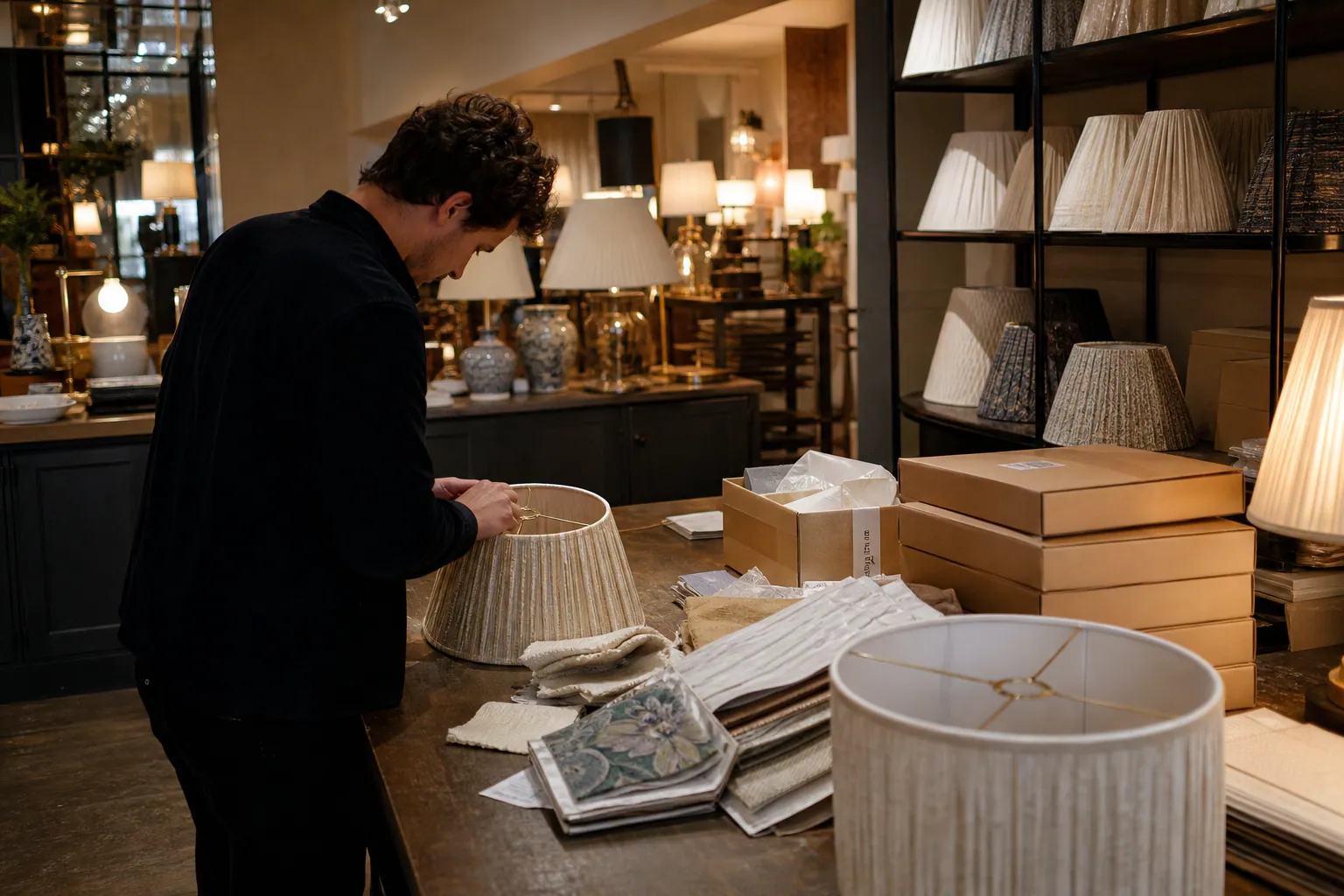
Case Study: How a Custom Lampshade Studio Turned Room Saves Into Swatch Kit Orders
A composite Pinterest teardown of a made-to-order lampshade studio that replaced generic room inspiration with sizing and fabric decisions that led to more swatch-kit orders.

Case Study: Which Pinterest Pins Sold Custom Address Stamps—Wedding, Moving, or Gift Guides?
A composite case study of a custom address-stamp shop comparing product Pins, wedding content, moving guides, and gift pages to find a profitable Pinterest mix.

Case Study: How a Garage Floor Coating Contractor Turned Pinterest Saves Into Site Visits
A composite teardown of a garage floor coating company that traded broad inspiration Pins for planning content, local pages, and more estimate-ready Pinterest traffic.
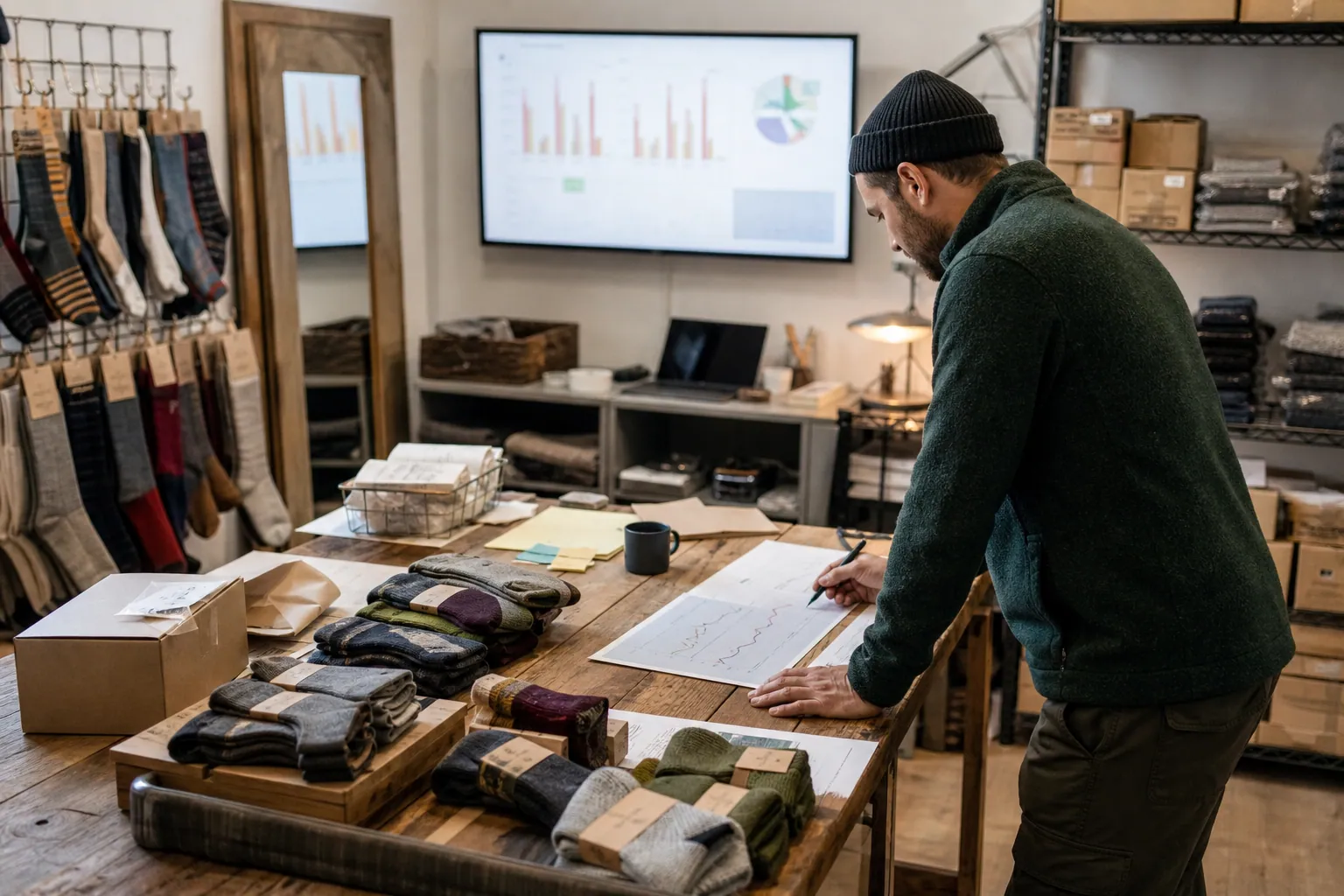
The Cold-Weather Pinterest SEO Playbook for Merino Sock Shops
A practical weekly routine for merino sock retailers to turn weather, boot-fit, and gift questions into Pinterest search traffic that reaches the right collection.

Case Study: How a Merino Sock Shop Found Its Best Pinterest Pins by Tracking Net Revenue
A composite teardown of a merino sock shop that stopped treating saves as success and used UTMs, return reasons, and 21-day cohorts to identify Pinterest Pins that sold.