Case Study: How Equipment Rental Software Turned Inspection Pins Into Activated Trials
A composite teardown of an equipment rental SaaS team that replaced machinery imagery with inspection and handoff resources to earn more qualified Pinterest trials.
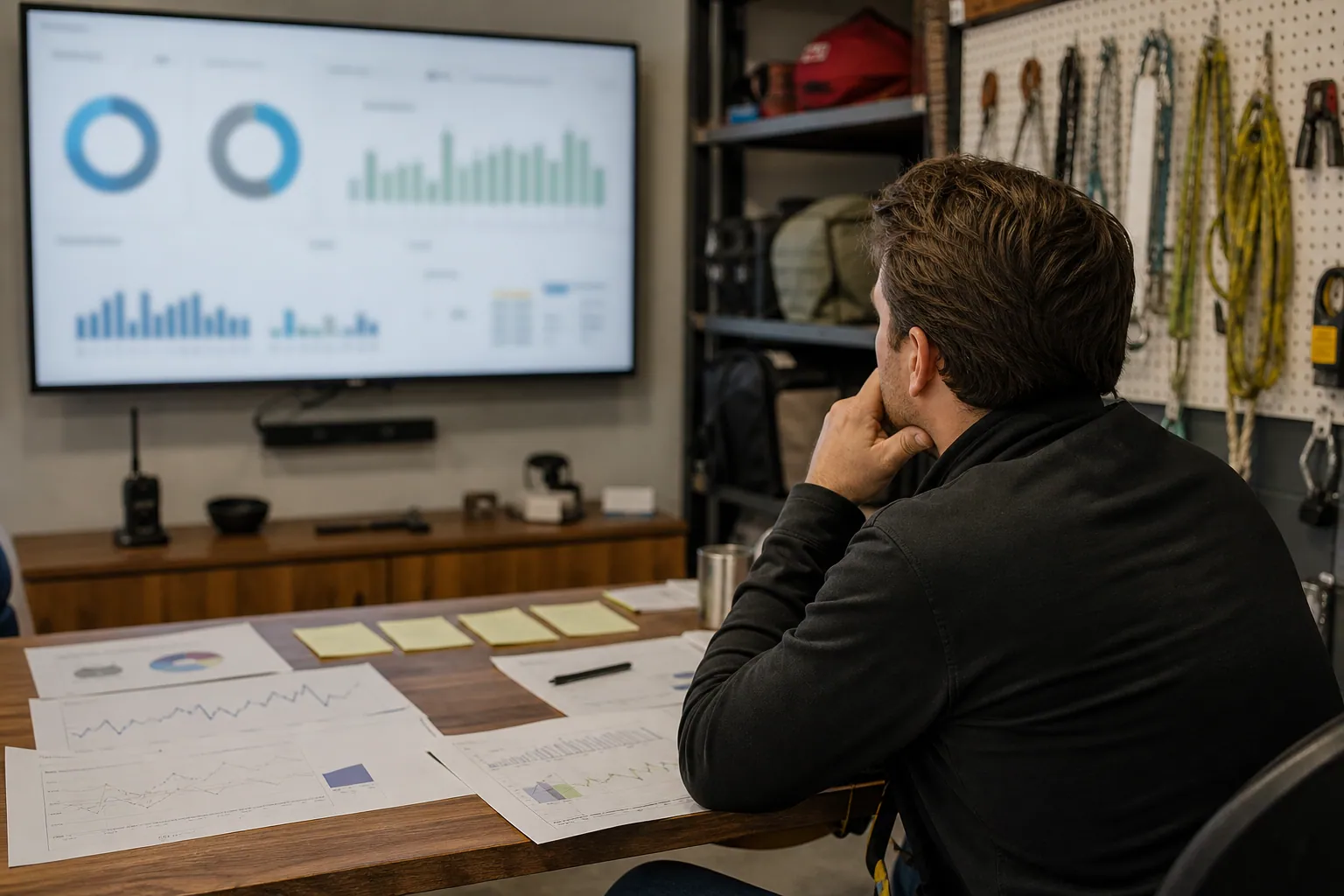
A regional equipment-rental software company had an uncomfortable Pinterest problem: its Pins looked excellent, generated saves, and occasionally sent traffic to the site—but sales could not identify a single serious rental-yard operator from the channel.
The account was dominated by excavator photos, tidy equipment yards, and generic “rental business tips.” Those assets attracted homeowners planning projects, equipment enthusiasts, and people looking for a machine to rent. The product, however, was built for owners and operations managers running fleets of 20 to 250 assets.
This composite case study shows how the team rebuilt Pinterest around the operational moments that make a rental business consider software: inspections, damage documentation, maintenance, and handoffs.
The goal was not more traffic. It was more accounts that completed the first meaningful product actions.
Composite-case note: The business and figures below combine common patterns from B2B Pinterest work. They are directional examples, not a promise of results.
The baseline: attractive Pins, weak buying signals
At the start, the company posted two to three times per week. Most Pins drove straight to a demo page with a broad headline: “Rental management software for growing businesses.”
That approach failed for three reasons.
- The visual subject did not qualify the visitor. A photo of a compact excavator could mean “How do I use this?” or “Where can I rent one?” It did not signal “I manage a rental fleet.”
- The destination asked for a decision too early. Someone looking for a daily inspection list was not ready to book a software demo.
- The team evaluated success at the Pin level only. They could see saves and outbound clicks, but not whether a visitor ran a rental operation, started a trial, or activated an account.
Here is the pre-rebuild snapshot for a typical 30-day period:
| Signal | Baseline result | Why it was misleading or concerning |
|---|---|---|
| Impressions | 18,400 | Broad machinery imagery traveled well |
| Saves | 640 | Mostly inspiration and equipment-interest behavior |
| Outbound clicks | 168 | Respectable volume, poor intent clarity |
| Demo requests | 4 | Two were consumer rental inquiries |
| Trials | 3 | Only one used a company email address |
| Activated trials | 0 | No account completed setup actions |
The internal conclusion was not “Pinterest does not work for B2B SaaS.” It was more precise: the account was attracting interest in equipment, not interest in rental operations.
The pivot: market the job before the software
The growth lead sat in on five sales calls and reviewed support conversations. The same operational problems appeared repeatedly:
- A unit left the yard with pre-existing damage that had not been photographed.
- A paper walk-around inspection went missing.
- A service interval was discovered after a customer pickup.
- Staff relied on one long-tenured employee to know which equipment was available.
Those problems became the editorial criteria. A Pin had to help a fleet owner prevent a costly handoff, document an asset, or prepare a manager conversation. If it only made the equipment look impressive, it did not make the next publishing batch.
The team identified four search-intent clusters:
| Search moment | Useful Pinterest asset | First destination |
|---|---|---|
| “We need a better inspection process” | Daily equipment walk-around checklist | Printable checklist page |
| “Damage disputes are getting expensive” | Pre-rental damage photo checklist | Handoff documentation guide |
| “Maintenance is slipping” | Equipment maintenance log template | Maintenance tracker resource |
| “Our spreadsheet is breaking” | Spreadsheet vs. rental software comparison | Comparison page with demo option |
This is the core B2B Pinterest shift: lead with a concrete operating task, then make the software relevant after the visitor recognizes the cost of solving it manually.
What the team actually changed
1. They replaced product-first images with document-first visuals
The new creative was deliberately less glamorous. It used a real inspection sheet, a phone camera over a damage-photo checklist, a maintenance-status board, and a yard handoff scene.
Each image made the audience obvious. A homeowner might still save a checklist, but the copy and context consistently named rental staff, fleet records, and customer handoffs.
Examples of revised Pinterest pin titles:
- Daily equipment inspection checklist for rental fleets
- How to document rental equipment damage before pickup
- Equipment maintenance log template for rental yards
- Rental inventory spreadsheet vs software: what breaks first?
Descriptions added practical specificity rather than a stack of SaaS keywords. For example:
Use this equipment rental inspection checklist to document fluid checks, visible damage, photos, and staff sign-off before customer pickup. Includes a printable example and a digital handoff alternative.
That wording supported Pinterest search intent while filtering toward people who own the process.
2. They made a page for each decision, not one generic resource hub
The original resource center placed every download, article, and demo in one place. The revised landing pages were narrow.
The damage-photo page included:
- the eight photos to capture before release,
- an example naming convention for images,
- a printable handoff sheet,
- a short note on storing records by asset number, and
- a contextual section showing how software can attach photos to an asset record.
Only after the useful material did the page offer a trial. The call to action was specific: “See the digital handoff inside a sample rental account.”
This lowered the commitment gap. A visitor did not have to agree to “buy rental software” in order to see a relevant product behavior.
3. They used two conversion paths instead of gating everything
The team initially put every template behind an email form. That produced leads, but many used personal emails and did not match the target account profile.
They changed the approach:
- The checklist could be downloaded without a form.
- An optional form offered an editable version, a two-week inspection rollout guide, and a maintenance reminder setup sheet.
- The form asked one qualifying question: “How many rental assets do you manage?”
This retained a useful low-friction resource while giving serious operators a reason to identify themselves. It also helped sales avoid treating every download as a lead.
4. They tagged the whole path, not just the first click
Every Pin received a consistent UTM structure with four readable fields:
utm_source=pinterest
utm_medium=organic
utm_campaign=rental_ops_q4
utm_content=damage_photo_checklist_v1
The same campaign and content labels were passed into the CRM. The team could then compare not only Pinterest outbound clicks, but also:
- resource-page engagement,
- template downloads,
- work-email submissions,
- trial starts,
- fleet-size fit,
- setup completion, and
- sales-accepted opportunities.
A lightweight publishing tool such as PinPinMe can help maintain clean destination URLs and a reviewable publishing queue when a small team is producing several versions of each resource Pin.
5. They defined activation before judging Pinterest
The company had previously reported all trials as equivalent. They were not.
For this product, an activated trial had to complete three actions within 14 days:
- Add at least 15 assets or import an asset file.
- Create one inspection or maintenance template.
- Record a check-out, return, or test handoff.
That definition allowed the channel to be measured against a real customer behavior, not a vanity conversion.
What changed after ten weeks
The team did not publish at a dramatically higher volume. It moved from about 10 Pins per month to 16, arranged in four small families around the four operating problems.
The biggest change was visitor quality.
| Signal | Before rebuild | Ten weeks after | Interpretation |
|---|---|---|---|
| Monthly outbound clicks | 168 | 231 | Modest traffic growth |
| Resource-page engaged sessions | 42 | 119 | Visitors found the destination useful |
| Editable-template requests | 0 | 31 | Better indicator of operational intent |
| Work-email submissions | 1 | 14 | More identifiable business users |
| Trial starts | 3 | 9 | More relevant product interest |
| Activated trials | 0 | 4 | The key improvement |
| Sales-accepted opportunities | 0 | 2 | Small volume, materially better fit |
The maintenance-log template generated the most downloads. But the damage-documentation guide produced the strongest activation rate.
Why? A maintenance log can be useful to almost any equipment owner. Damage documentation is a sharper pain for businesses that repeatedly hand equipment to customers and need an audit trail. It was a narrower audience, but much closer to the product’s core job.
This distinction changed the content calendar. The team stopped ranking content by clicks alone and began reviewing a simple ratio:
Activated trials / Pinterest outbound clicks
A page that produces 40 clicks and two activated trials can be far more valuable than a page that produces 300 clicks and no qualified accounts.
The decision that kept low-intent traffic from taking over again
Every two weeks, the team reviewed the search terms, Pin copy, and lead notes together.
They found that one high-saving asset—“10 machines every contractor should rent”—was pulling in consumers and contractors looking for rental options. It was retired despite healthy engagement.
In its place, they published “Rental equipment check-out form: fields that prevent missing damage notes.” It earned fewer saves, but more visits from people who selected fleet-size ranges on the editable-template form.
The review question became:
Would a rental-yard manager recognize their daily work in this Pin before they click?
If the answer was no, the asset was redesigned or removed from the queue.
A practical rebuild plan for another vertical SaaS team
This approach transfers well to software with a physical, regulated, or operational customer job: lab management, franchise operations, facilities, field teams, studios, clinics, warehouses, and service businesses.
Days 1–2: Find the repeatable operational friction
Review:
- demo-call notes,
- customer support tags,
- lost-deal reasons,
- onboarding blockers, and
- templates customers already ask for.
Choose one problem that is understandable without a product demo. “Prevent missed inspection photos” is better than “modernize your operations.”
Days 3–4: Build one genuinely useful destination
Create a page that answers the problem fully. Include an example, a printable or editable component, and an explanation of the manual process limits.
Do not hide the entire answer behind a form. The page needs enough utility to deserve a save, a click, and a return visit.
Days 5–6: Make four Pin angles for the same resource
For the inspection-checklist example, test:
- Task angle: Daily equipment inspection checklist
- Risk angle: What to document before equipment leaves the yard
- Process angle: A 10-minute rental handoff routine
- Comparison angle: Paper inspections vs digital asset records
Keep the destination fixed for the first test. Otherwise, you cannot tell whether the change came from the creative, the search phrase, or the page.
Days 7–10: Publish, tag, and inspect lead quality
Use clear Pinterest pin titles, accurate descriptions, and a UTM naming pattern your CRM can retain. Then wait long enough to collect meaningful click and on-site behavior data before overreacting.
For a longer B2B cycle, review early indicators weekly but assess trial activation and opportunities on a 30- to 60-day window.
Transferable lessons from the teardown
- A B2B Pin should identify the job, not just the industry. “Equipment rental” is broad; “document rental damage before pickup” signals a specific operator problem.
- Useful templates work best when connected to a product behavior. The resource should preview the kind of operational control the product provides.
- Resource downloads are not pipeline. Separate anonymous consumption, qualified contact details, trials, activation, and sales acceptance.
- Narrow content can outperform broad inspiration. The lower-volume damage guide won because it matched a high-cost operational pain.
- Pinterest landing pages need to finish the thought started by the Pin. Do not send a checklist seeker to a generic home page or an undifferentiated demo form.
- Keep a small evidence trail. Capture the Pin, UTM, landing page, account fit, and activation status in one report before deciding what to scale.
Pinterest will rarely replace active outbound or high-intent search for B2B software. But it can introduce your product earlier—when an operator is still trying to solve a recurring problem with paper, photos, texts, and spreadsheets. The SaaS teams that benefit are the ones that make that first solution useful on its own, then let the product earn the next step.

Case Study: How Event Florist Proposal Software Turned Pinterest Templates Into Activated Trials
A composite teardown of an event florist SaaS team that replaced bridal-inspiration Pins with pricing, recipe, and proposal resources that attracted stronger trials.

Case Study: How Party Rental Software Made Pinterest Trials More Qualified
A composite teardown of a party rental SaaS company that traded consumer wedding saves for operator-focused Pinterest templates, stronger trial quality, and better demo signals.

The Holiday-Order Pinterest Operator Playbook for Bakery Production SaaS
Use holiday production calendars, preorder cutoffs, and cake-intake templates to turn Pinterest planning traffic into qualified bakery software trials.

Case Study: How a Podcasting Course Creator Turned Planning Pins Into Evergreen Enrollments
A composite teardown of a podcasting educator who replaced aesthetic creator Pins with planning resources that attracted more course-ready subscribers and buyers.

Case Study: How a Vacation Rental Template Shop Turned Pinterest Clicks Into Bundle Sales
A composite teardown of a vacation rental template seller that stopped sending every Pinterest visitor to one freebie and built intent-led routes to higher-value bundles.

Case Study: How a Custom Lampshade Studio Turned Room Saves Into Swatch Kit Orders
A composite Pinterest teardown of a made-to-order lampshade studio that replaced generic room inspiration with sizing and fabric decisions that led to more swatch-kit orders.